[리눅스 기초] Bandit Level 0 ~ Level 5
<Bandit Level 0> https://overthewire.org/wargames/bandit/bandit0.html
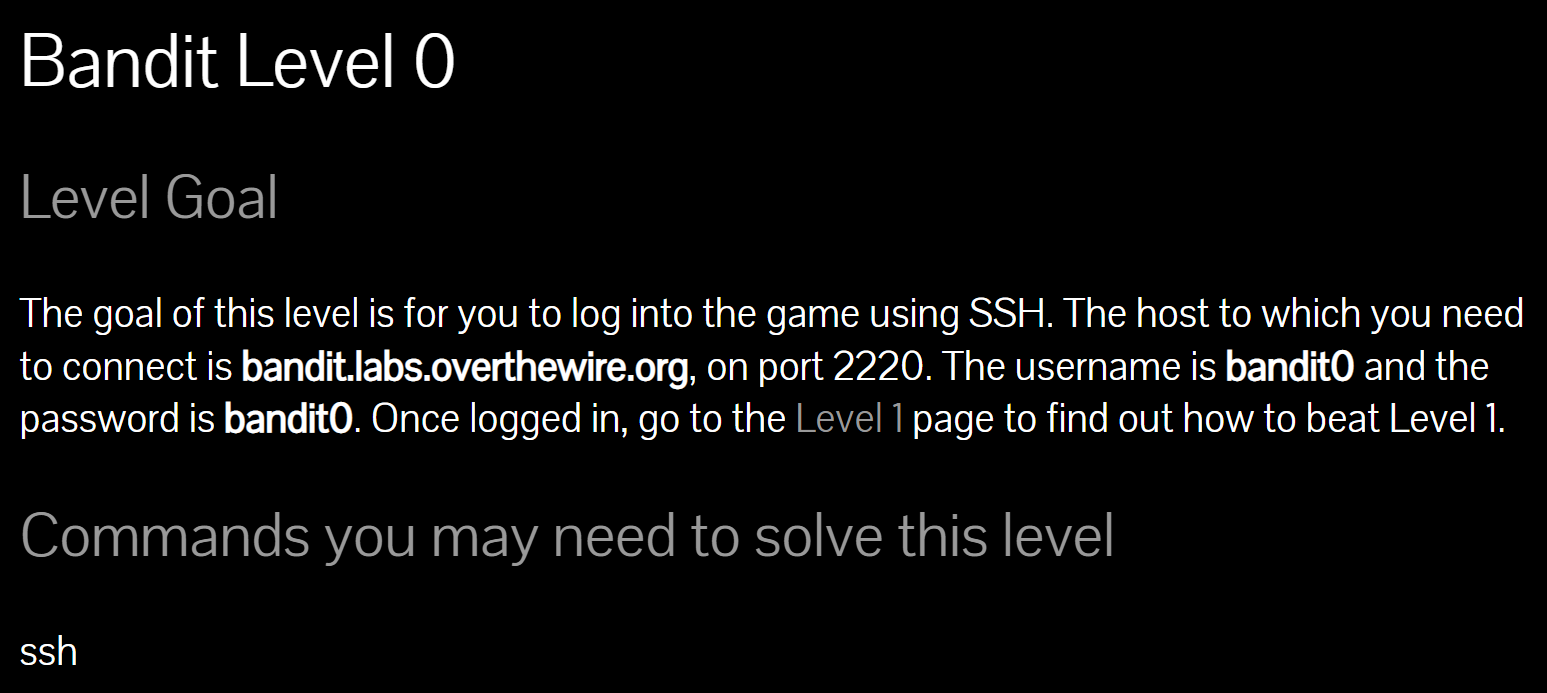
Level Goal: SSH를 이용하여 게임에 로그인 한다.
Host: bandit.labs.overthewire.org
Port: 2220
Username: bandit0
Password: bandit0
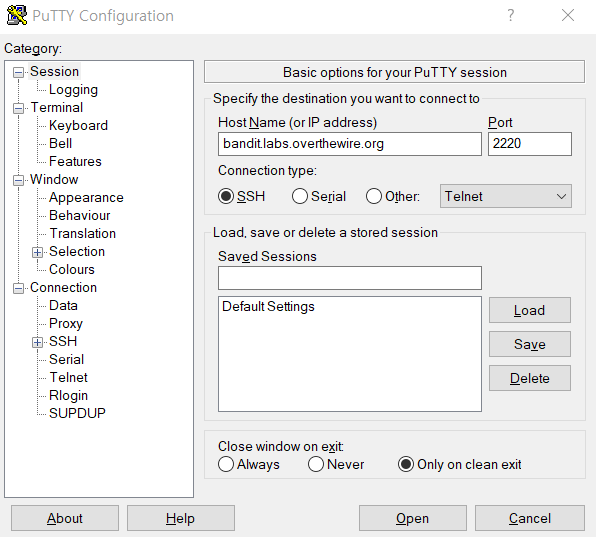
PuTTy에서 Host Name에 bandit.labs.overthewire.org, Port에 2220, Connection type에 SSH을 설정하고 Open했다.
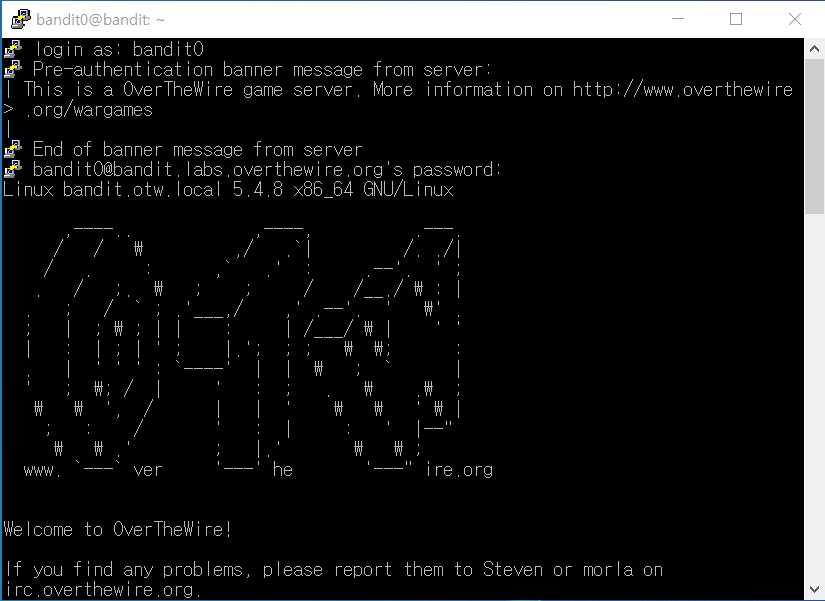
login as에 bandit0, password에 bandit0을 입력해서 로그인했다.
이 machine은 여러 wargames를 가지고 있다. 만약 "somegame"을 플레이하고 있다면, usernames는 "somegame0", "somegame1" 등이 될 것이다. 대부분의 levels는 /somegame/에 저장되어 있다. 각 level의 passwards들은 /etc/somegame_pass/에 저장되어 있다.
homedirectories로의 write-access는 비활성화되어 있다. /tmp/에 추측하기 어려운 이름으로 working directory를 만드는 것이 권장된다. mktemp -d 명령을 사용하면 랜덤으로 추측하기 어려운 디렉토리를 /tmp/에 만들 수 있다. /tmp/와 /proc/로의 read-access는 모두 비활성화되어 있으므로 사용자들은 서로 snoop할 수 없다. 추측하기 쉽거나 짧은 이름을 가진 파일들과 디렉토리들은 주기적으로 삭제될 것이다.
플레이 규칙
1. Don't leave orphan processes running
2. Don't leave exploit-files laying around
3. Don't annoy other players
4. Don't post passwords or spoilers
Tools
편의를 위해, 다음의 위치들에 유용한 도구들을 install했다.
* gef (https://github.com/hugsy/gef) in /usr/local/gef/
* pwndbg (https://github.com/pwndbg/pwndbg) in /usr/local/pwndbg/
* peda (https://github.com/longld/peda.git) in /usr/local/peda/
* gdbinit (https://github.com/gdbinit/Gdbinit) in /usr/local/gdbinit/
* pwntools (https://github.com/Gallopsled/pwntools)
* radare2 (http://www.radare.org/)
* checksec.sh (http://www.trapkit.de/tools/checksec.html) in /usr/local/bin/
*PuTTY 붙여넣기 단축키: Shift + Insert
<Bandit Level 0 → Level 1> https://overthewire.org/wargames/bandit/bandit1.html
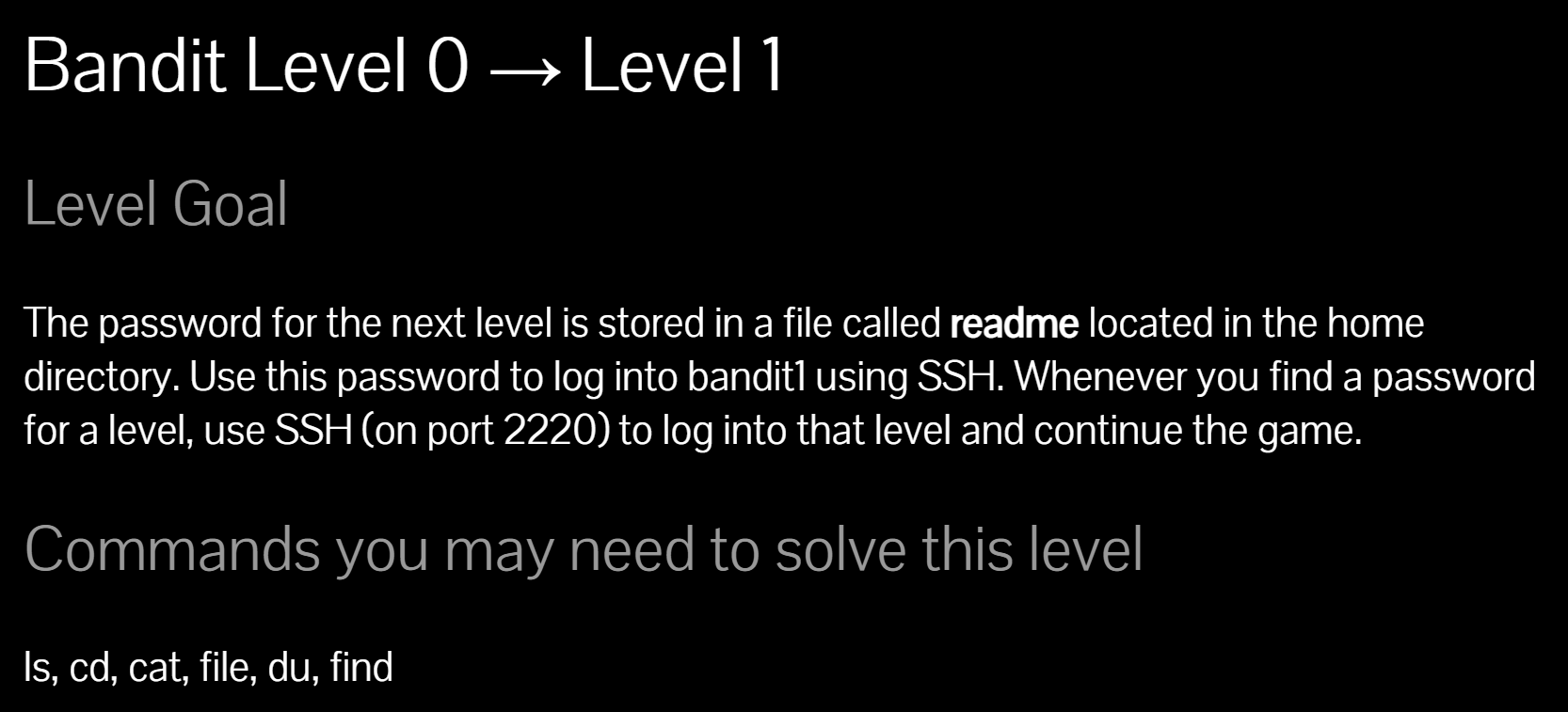
다음 레벨의 비밀번호: home directory에 위치한 readme 파일에 저장되어 있다.
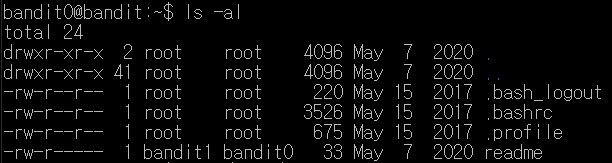
ls -al 명령을 통해 readme 파일을 확인했다.

cat 명령을 통해 readme 파일을 읽었다.
비밀번호는 boJ9jbbUNNfktd78OOpsqOltutMc3MY1
<Bandit Level 1 → Level 2> https://overthewire.org/wargames/bandit/bandit2.html

다음 레벨의 비밀번호: home directory에 위치한 - 파일에 저장되어 있다.
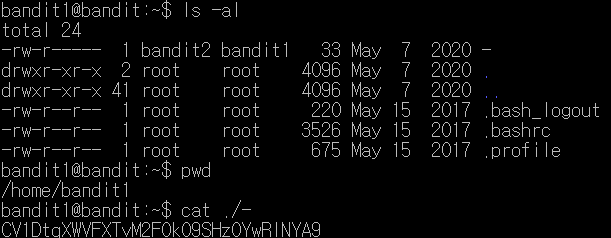
cat - 으로 - 파일을 읽으려 했으나 되지 않았다. 따라서 현재 파일을 가리키는 ./ 을 추가로 붙여 입력했다.
비밀번호는 CV1DtqXWVFXTvM2F0k09SHz0YwRINYA9
<Bandit Level 2 → Level 3> https://overthewire.org/wargames/bandit/bandit3.html

다음 레벨의 비밀번호: home directory에 위치한 spaces in this file name에 저장되어 있다.

띄어쓰기가 있는 파일 읽기
1. 띄어쓰기 앞에 역슬래시(\) 입력하기
2. 파일명을 큰따옴표("")로 감싸기
비밀번호는 UmHadQclWmgdLOKQ3YNgjWxGoRMb5luK
<Bandit Level 3 → Level 4> https://overthewire.org/wargames/bandit/bandit4.html
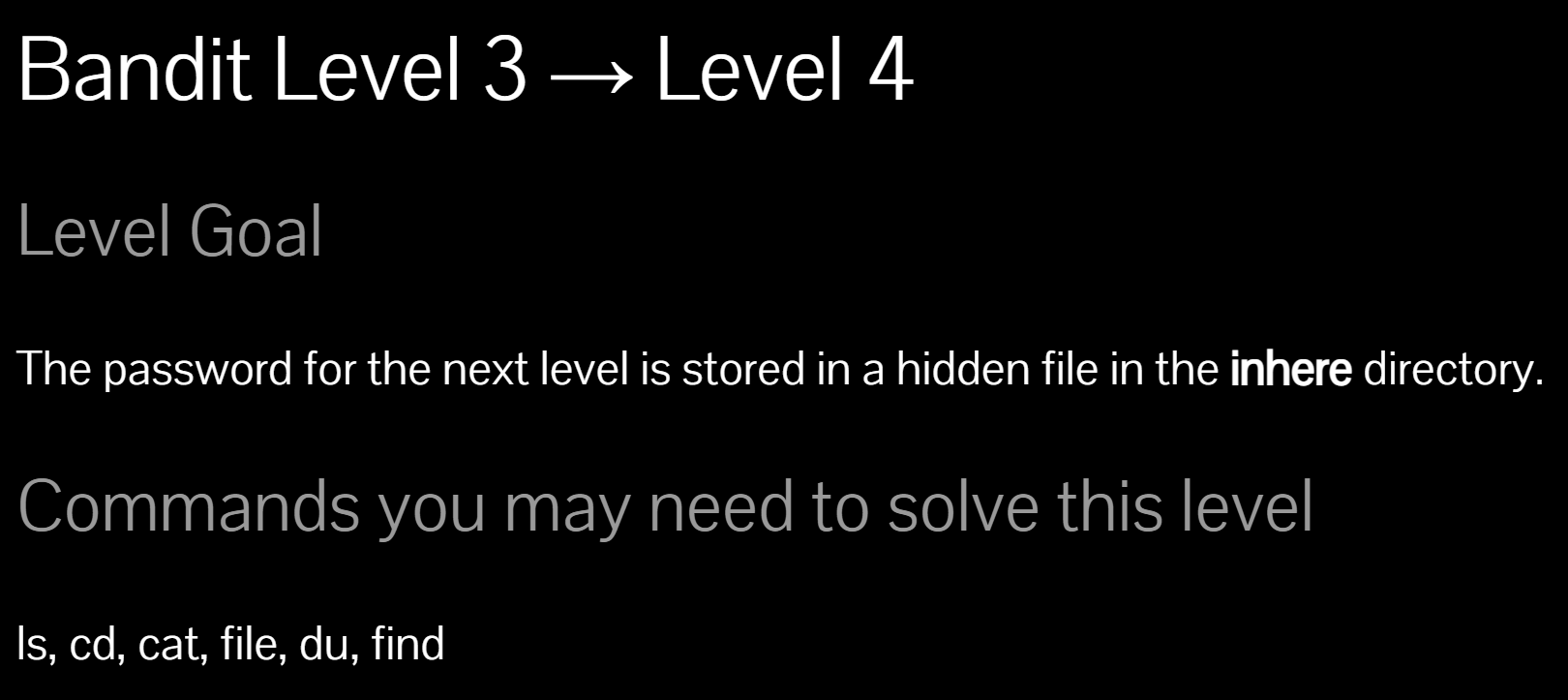
다음 레벨의 비밀번호: inhere directory에 위치한 hidden 파일에 저장되어 있다.
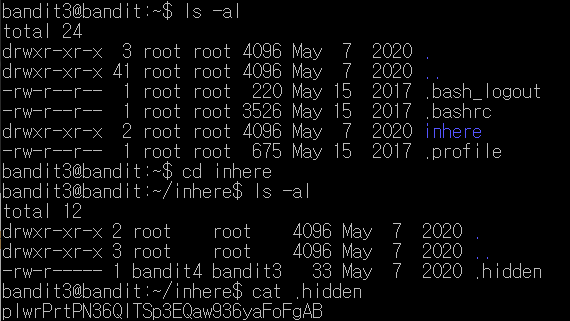
ls -al 명령을 통해 inhere 디렉토리를 발견했다. cd 명령을 통해 inhere 디렉토리로 이동하고, ls -al 명령을 통해 숨겨진 .hidden 파일을 발견했다.
비밀번호는 pIwrPrtPN36QITSp3EQaw936yaFoFgAB
<Bandit Level 4 → Level 5> https://overthewire.org/wargames/bandit/bandit5.html
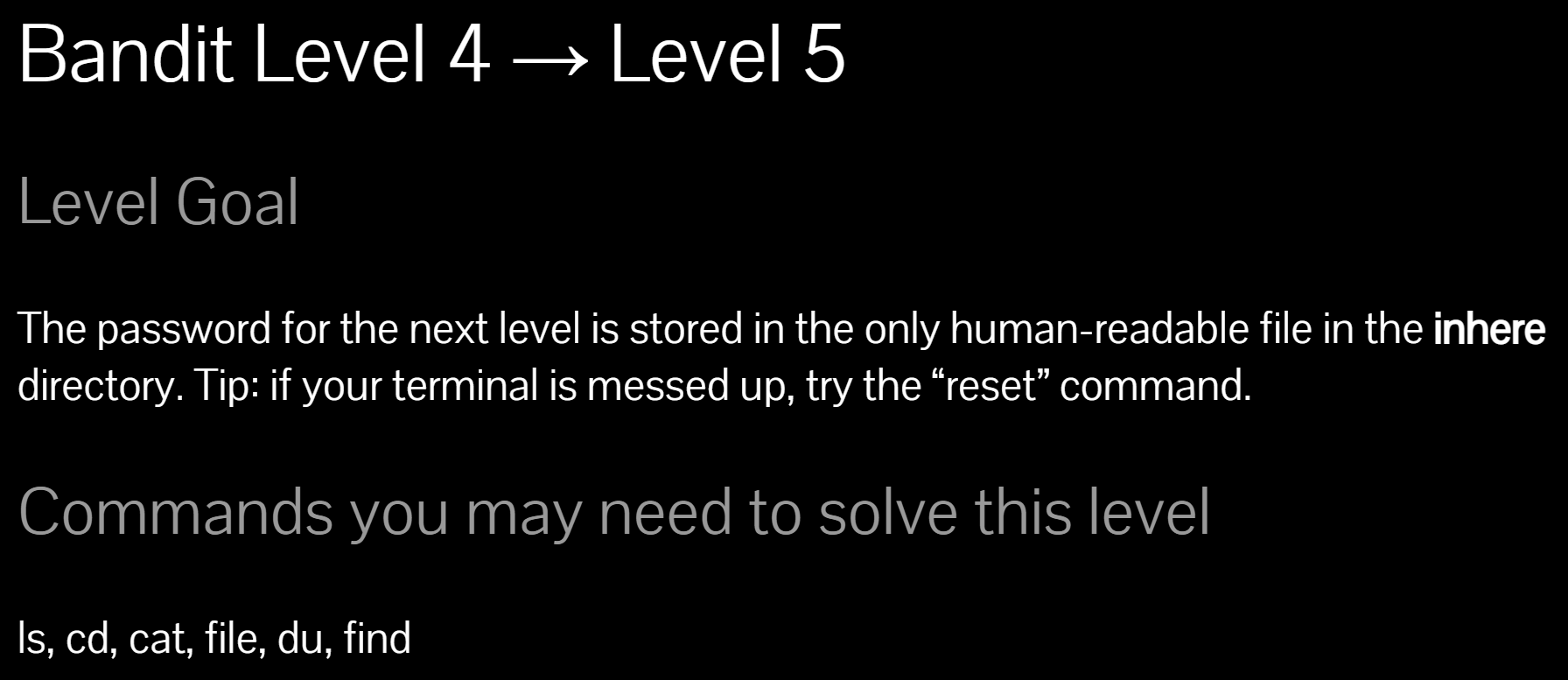
다음 레벨의 비밀번호: inhere directory에 위치한 only human-readable file에 저장되어 있다.
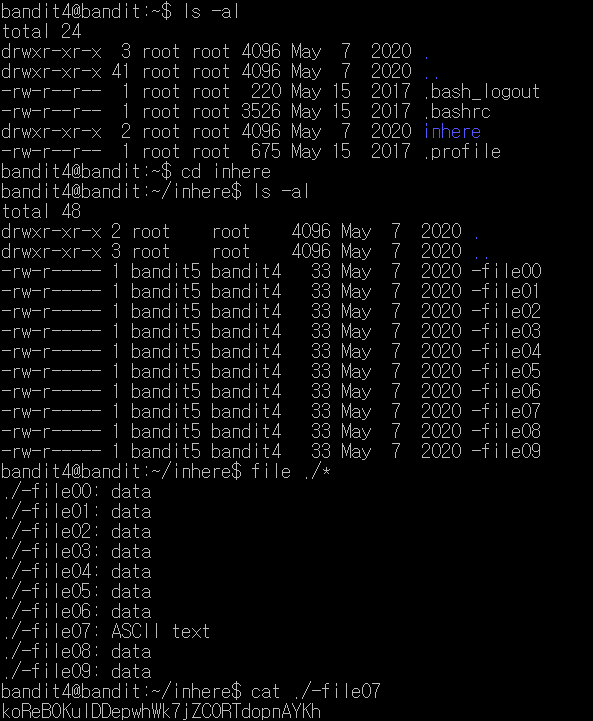
ls -al 명령을 통해 inhere 디렉토리를 발견했다. cd 명령을 통해 inhere 디렉토리로 이동하고, ls -al 명령을 통해 inhere 디렉토리 안의 디렉토리들과 파일들을 출력했다. 파일들이 10개가 있으므로, 하나하나 열어보기 보다는 어느 것이 human-readable한 파일인지 알기 위해 파일의 유형을 알아보는 것이 효율적이다.
file
- 지정된 파일의 타입을 확인하는 명령어
파일들의 이름이 "-"로 시작하므로 "./"을 붙이고, 현재 디렉토리에 있는 모든 파일을 뜻하는 "*"을 사용해 모든 파일들의 타입을 출력했다. 그 중 ASCII text인 -file07을 cat 명령을 통해 읽었다.
비밀번호는 koReBOKuIDDepwhWk7jZC0RTdopnAYKh